
Das erste iPhone hat Apple im Jahr 2007 veröffentlicht. Wir haben hier alle iPhone-Modelle nach Release-Datum sortiert aufgelistet.
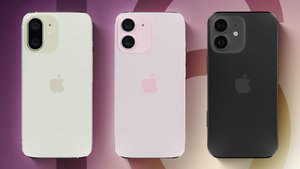
- 1.iPhone – 09.11.2007
- 2.iPhone 3G – 11.07.2008
- 3.iPhone 3GS – 19.06.2009
- 4.iPhone 4 – 24.06.2010
- 5.iPhone 4s – 14.10.2010
- 6.iPhone 5 – 21.09.2012
- 7.iPhone 5c – 20.09.2013
- 8.iPhone 5s – 20.09.2013
- 9.iPhone 6 / 6 Plus – 19.09.2014
- 10.iPhone 6s / 6s Plus – 25.09.2015
- 11.iPhone SE – 31.03.2016
- 12.iPhone 7 / 7 Plus – 16.09.2016
- 13.iPhone 8 / 8 Plus – 22.09.2017
- 14.iPhone X – 03.11.2017
- 15.iPhone XS / iPhone XS Max – 21.09.2018
- 16.iPhone XR – 26.10.2018
- 17.iPhone 11 Pro / iPhone 11 Pro Max – 20.09.2019
- 18.iPhone 11 – 20.09.2019
- 19.iPhone SE (2. Gen.) – 24.04.2020
- 20.iPhone 12 – 23.10.2020
- 21.iPhone 13 – 24.09.2021
- 22.iPhone 14 – 16.09.2022
- 23.iPhone 15 – 12.09.2023
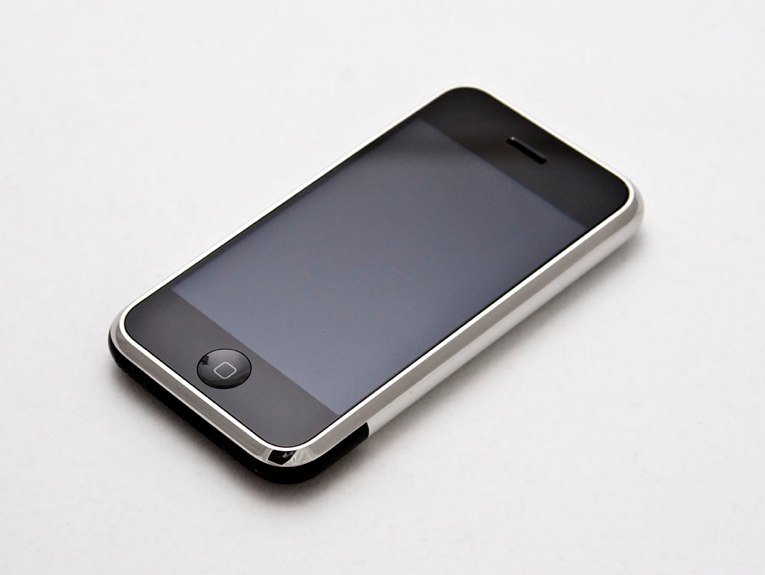
iPhone – 09.11.2007
Das erste iPhone war ein Meilenstein der Technikgeschichte. Mit ihm hat Apple die mobilen „Apps“ bekannt gemacht. Auf dem ersten iPhone konnten Nutzer nur auf die vorinstallierten System-Apps zurückgreifen. Später kam der Apple-Store hinzu, mit dem man bis heute neue Apps auf iPhones und iPads installieren kann.
- 3,5-Zoll-Display
- Auflösung von 480 x 320 Pixel
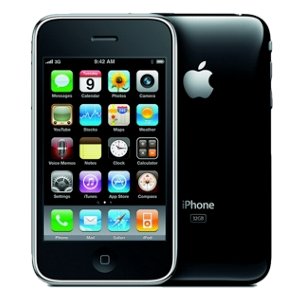
iPhone 3G – 11.07.2008
- Größte Neuerung des iPhone 3G war die Unterstützung des Netzwerk-Standards 3G
- Plastik statt Aluminium auf der Rückseite
- etwas bessere Akkulaufzeit

iPhone 3GS – 19.06.2009
- Im iPhone 3GS gab es einen neuen Prozessor (Samsung S5L8920)
- Verbesserte Kamera: 3,1 Megapixel statt 2 Megapixel.
- Verbesserte Internetverbindung
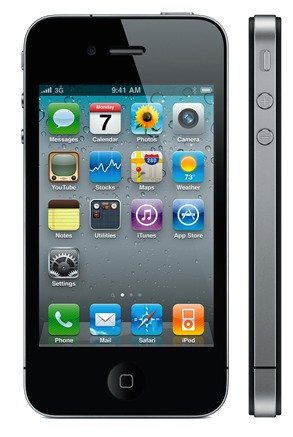
iPhone 4 – 24.06.2010
- Das iPhone 4 hatte ein verändertes Design
- Neuer Prozessor (Apple A4)
- Verbesserte Kamera: 5 Megapixel
- Verbesserte Auflösung: 960 x 640 Pixel
- Erstes Smartphone mit Frontkamera (für „Face Time“ und Selfies)
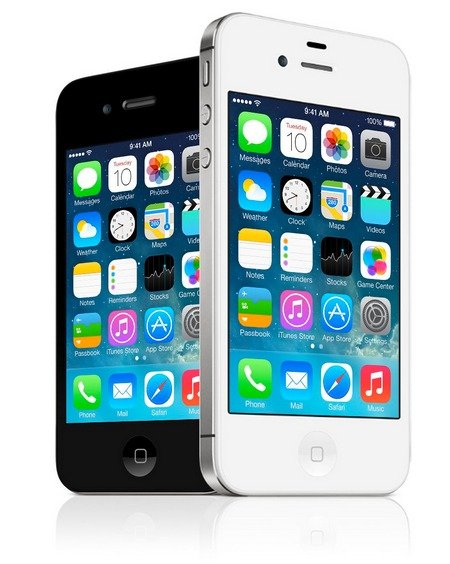
iPhone 4s – 14.10.2010
- Das iPhone 4s war ein verbessertes iPhone 4 mit neuem Prozessor (Apple A5)
- Verbesserte Kamera: 8 Megapixel
- Erste Integration der Sprachassistentin Siri
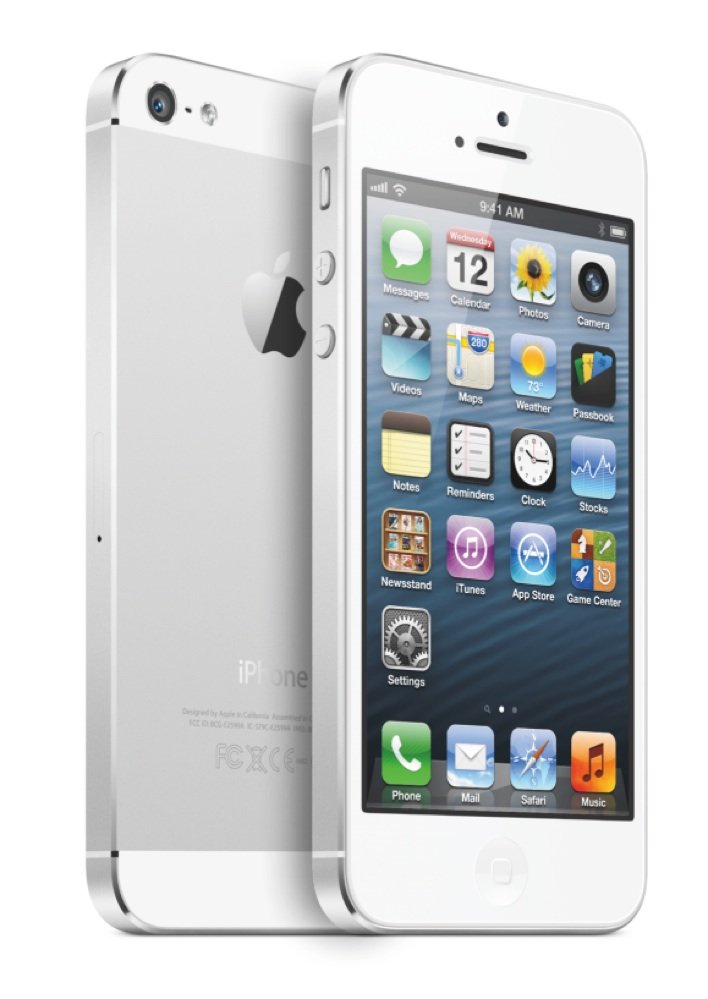
iPhone 5 – 21.09.2012
- Das iPhone 5 hatte ein größeres 4-Zoll-Display, war aber insgesamt leichter
- Verbesserter Prozessor (Apple A6)
- RAM wurde auf 1 GB verdoppelt
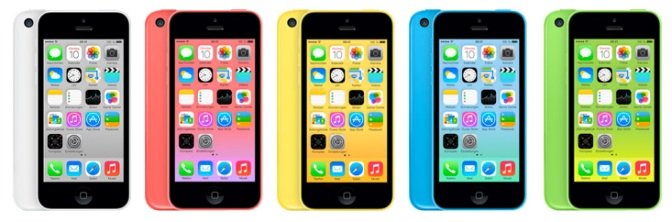
iPhone 5c – 20.09.2013
- Das iPhone 5c hatte minimale Unterschiede zum iPhone 5
- Etwas längere Akkulaufzeit und Sprechdauer
- Bunte Rückseite (Weiß, Pink, Gelb, Blau, Grün)
- Speichergrößen 16 und 32 GB verfügbar
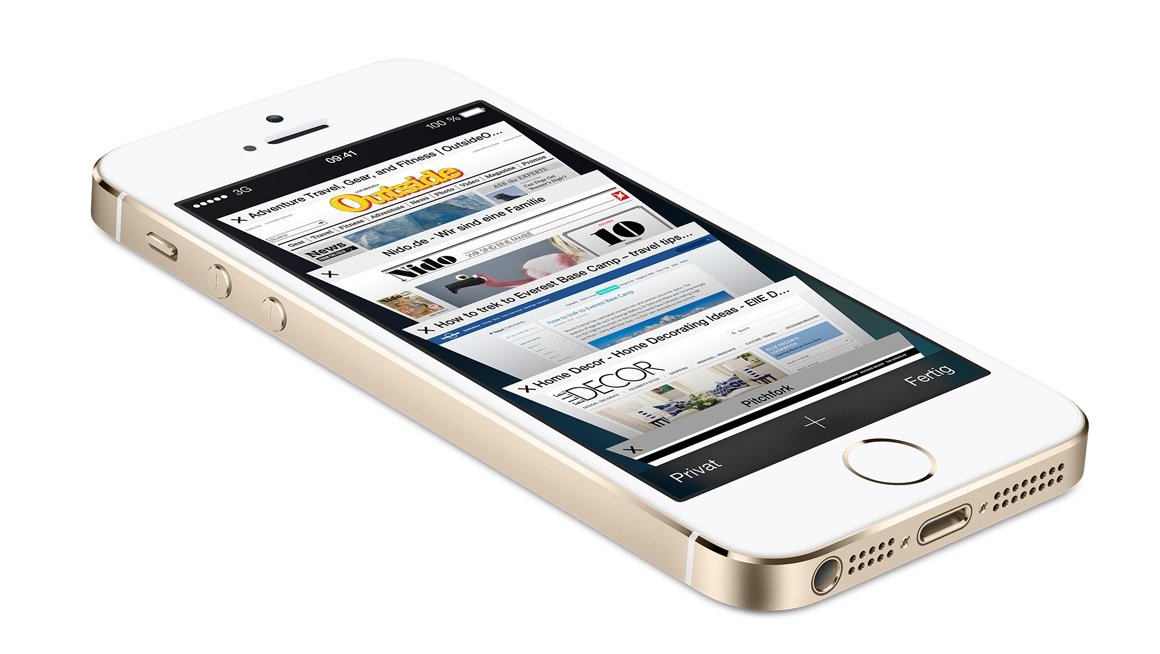
iPhone 5s – 20.09.2013
- Das iPhone 5s wurde zeitgleich mit dem iPhone 5c veröffentlicht
- Speichergrößen 16, 32 und 64 GB verfügbar
- Die Farben Silber, Grau und Gold waren verfügbar
- Zum ersten Mal wurden zwei Prozessoren verbaut (Apple A7 mit 64 Bit und „M7 Motion Co-Prozessor“)
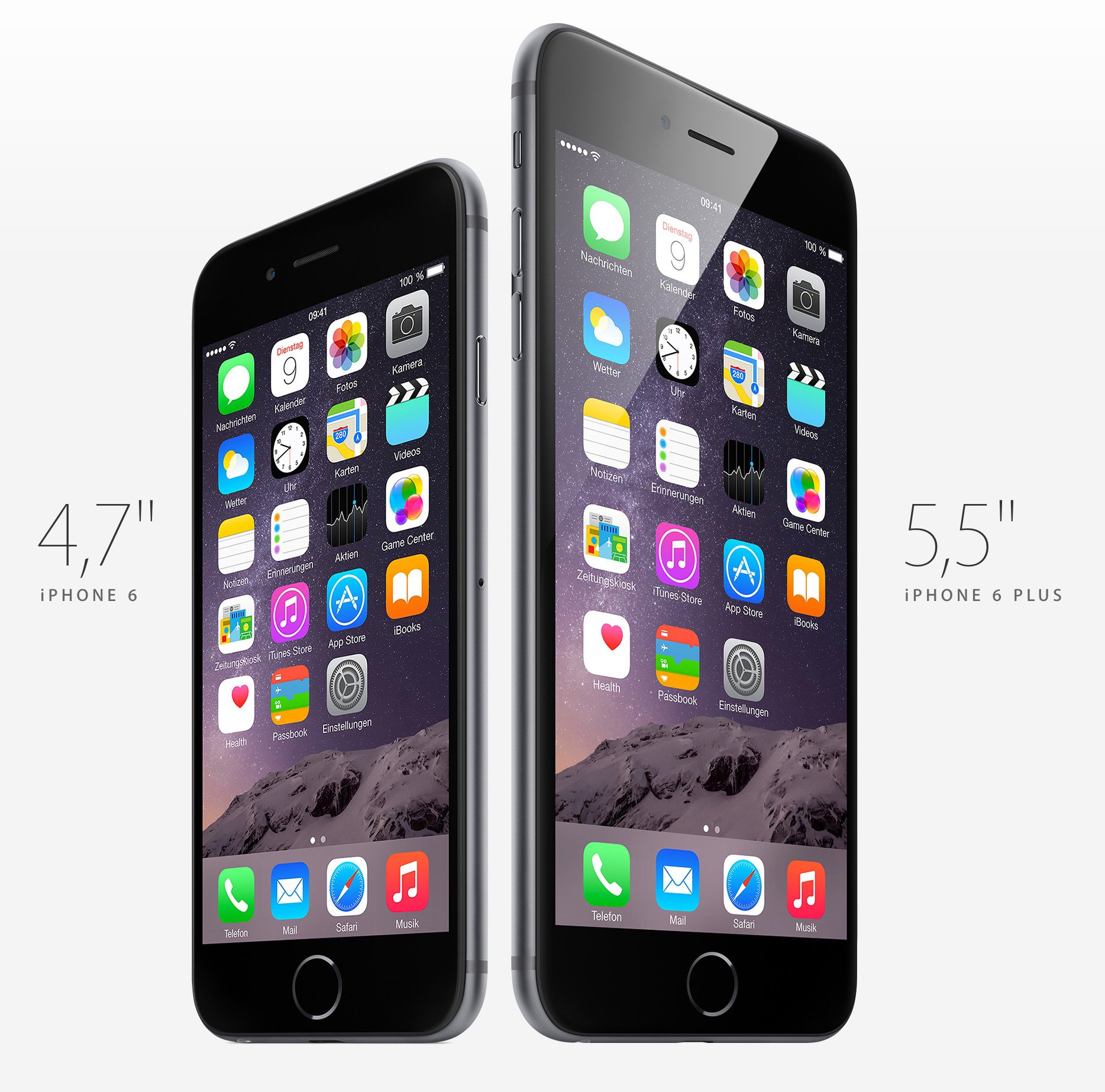
iPhone 6 / 6 Plus – 19.09.2014
- Das iPhone 6 ist bis heute das am meisten verkaufte Smartphone
- Das iPhone 6 hatte ein 4,7-Zoll-Display, das 6 Plus hatte ein 5,5-Zoll-Display
- Beide Modelle wurden mit einem internen Speicher von 128 GB angeboten
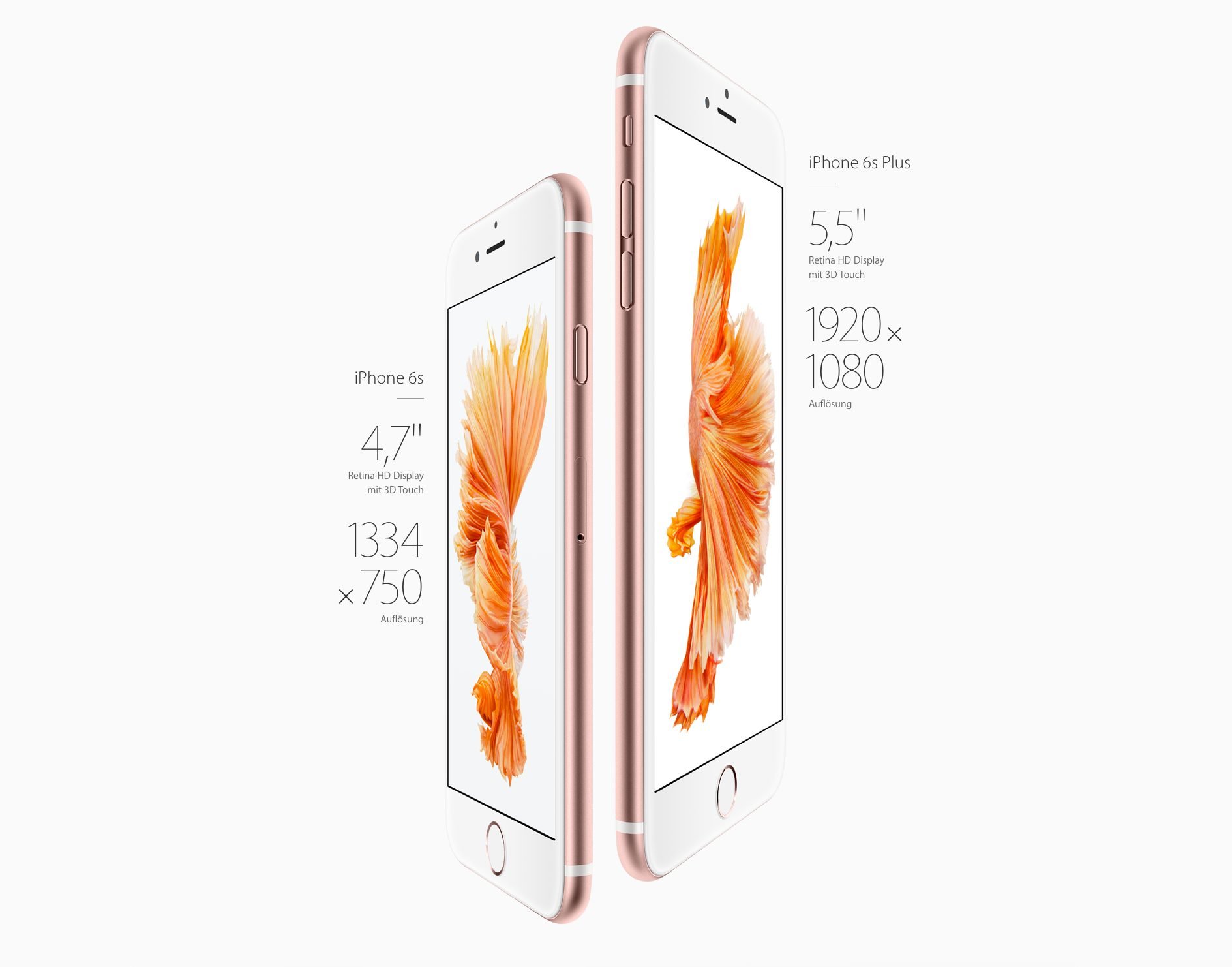
iPhone 6s / 6s Plus – 25.09.2015
- Das iPhone 6s kommt mit einer neuen Prozessorgeneration
- Verdopplung des RAM-Speichers auf 2 GB
- Verbesserte Kamera: 12 Megapixel
- Erstmalige 3D-Touch-Unterstützung
- Schnellere Variante des Fingerabdrucksensors Touch-ID
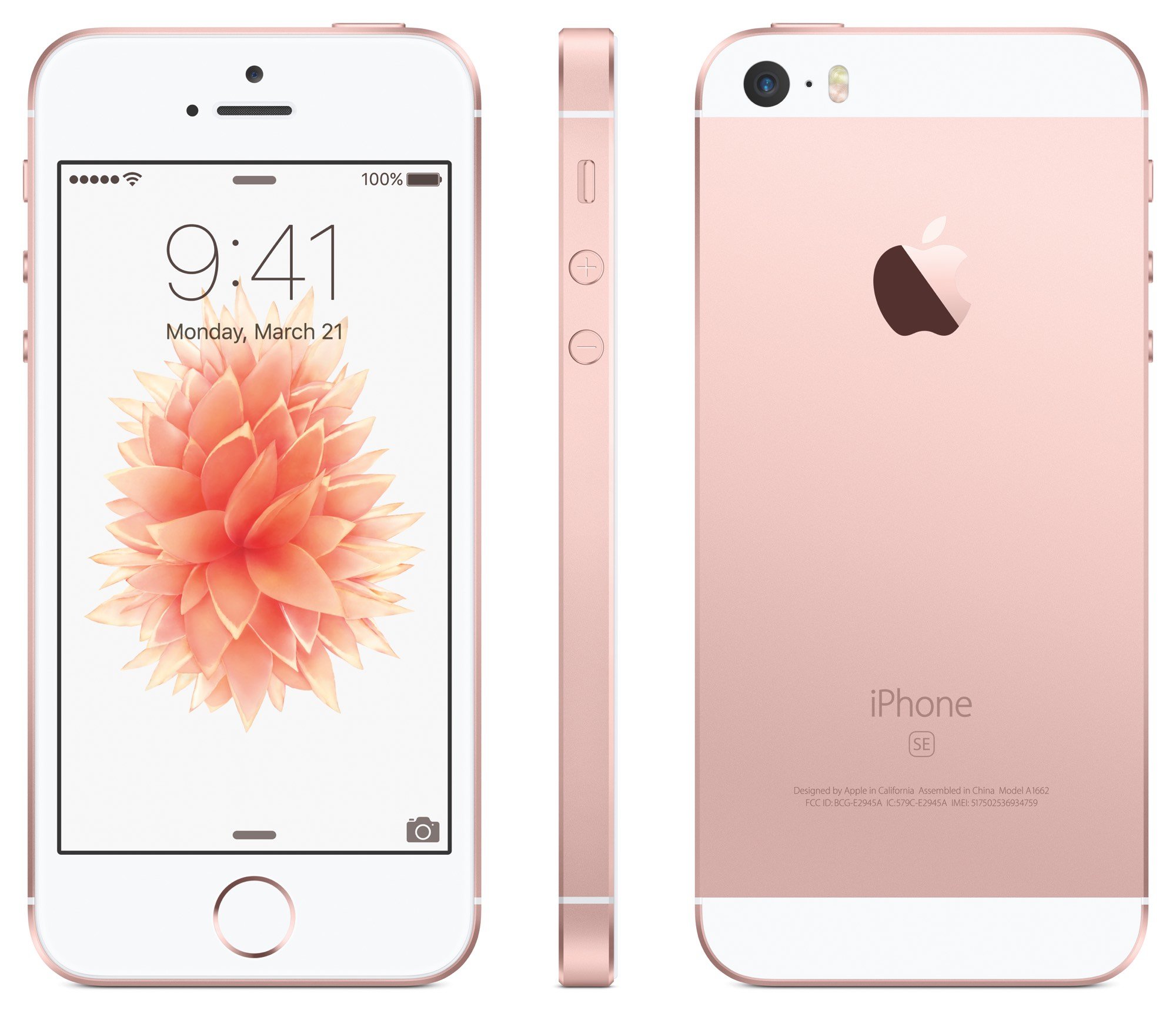
iPhone SE – 31.03.2016
- Das iPhone SE war ein Zwischenmodell und kombinierte die Form des iPhone 5s mit der Technik des iPhone 6s, war aber günstiger als das iPhone 6s (Plus)
- Die Frontkamera war dafür abgespeckt
- Auch der Fingerabdrucksensor war langsamer als der des iPhone 6s
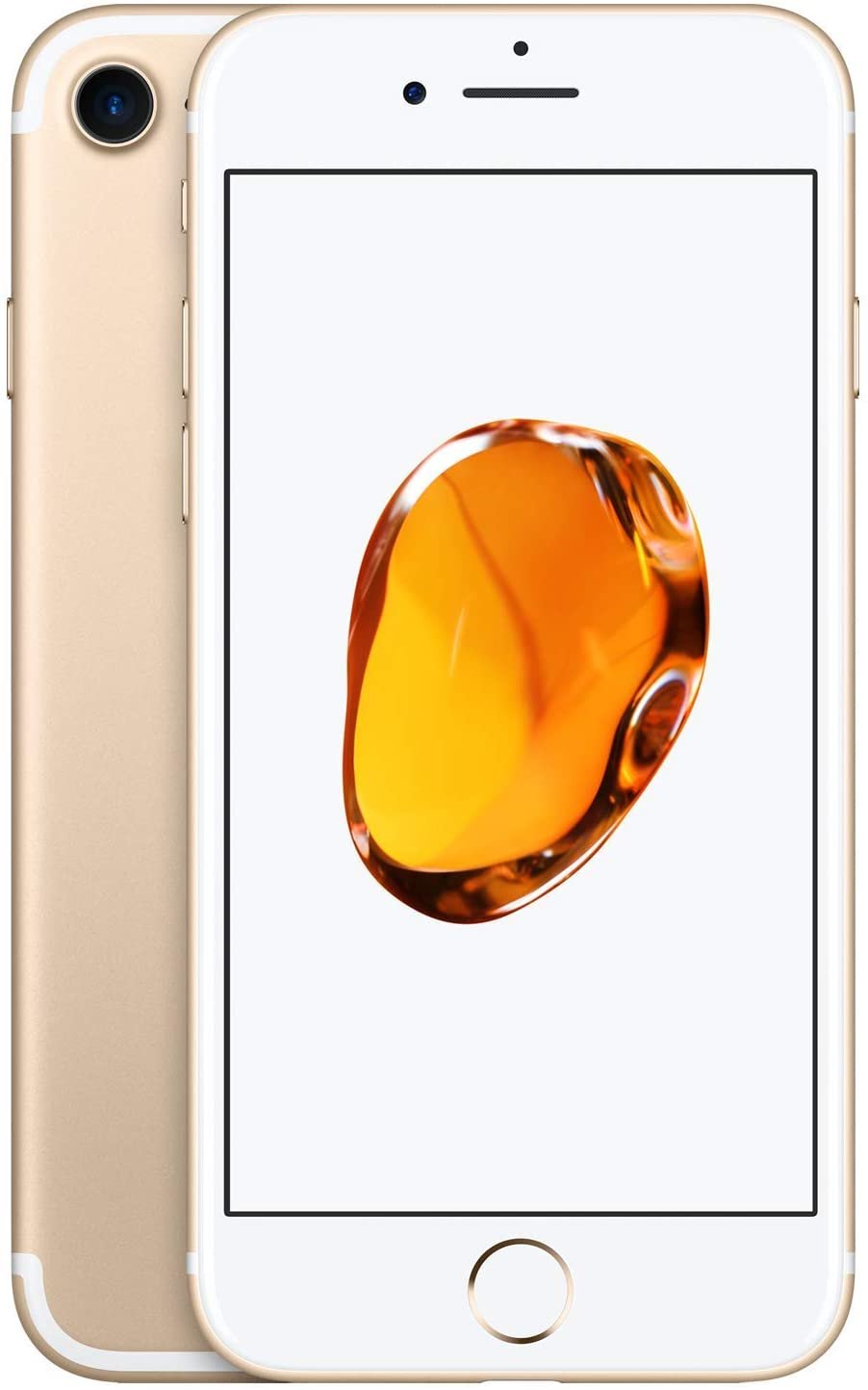
iPhone 7 / 7 Plus – 16.09.2016
- Das iPhone 7 (Plus) hatte einen neuen Prozessor (A10 Fusion Chip), der angeblich doppelt so schnell sein sollte wie der Vorgänger
- Die 7-Plus-Variante hatte eine Dual-Kamera, bestehend aus Tele- und Weitwinkelkamera
- Fehlender Kopfhöreranschluss (3,5 mm Klinke)
- Homebutton war kein physischer Knopf mehr
- Stattdessen wurde 3D-Touch eingesetzt (Taptic Engine)
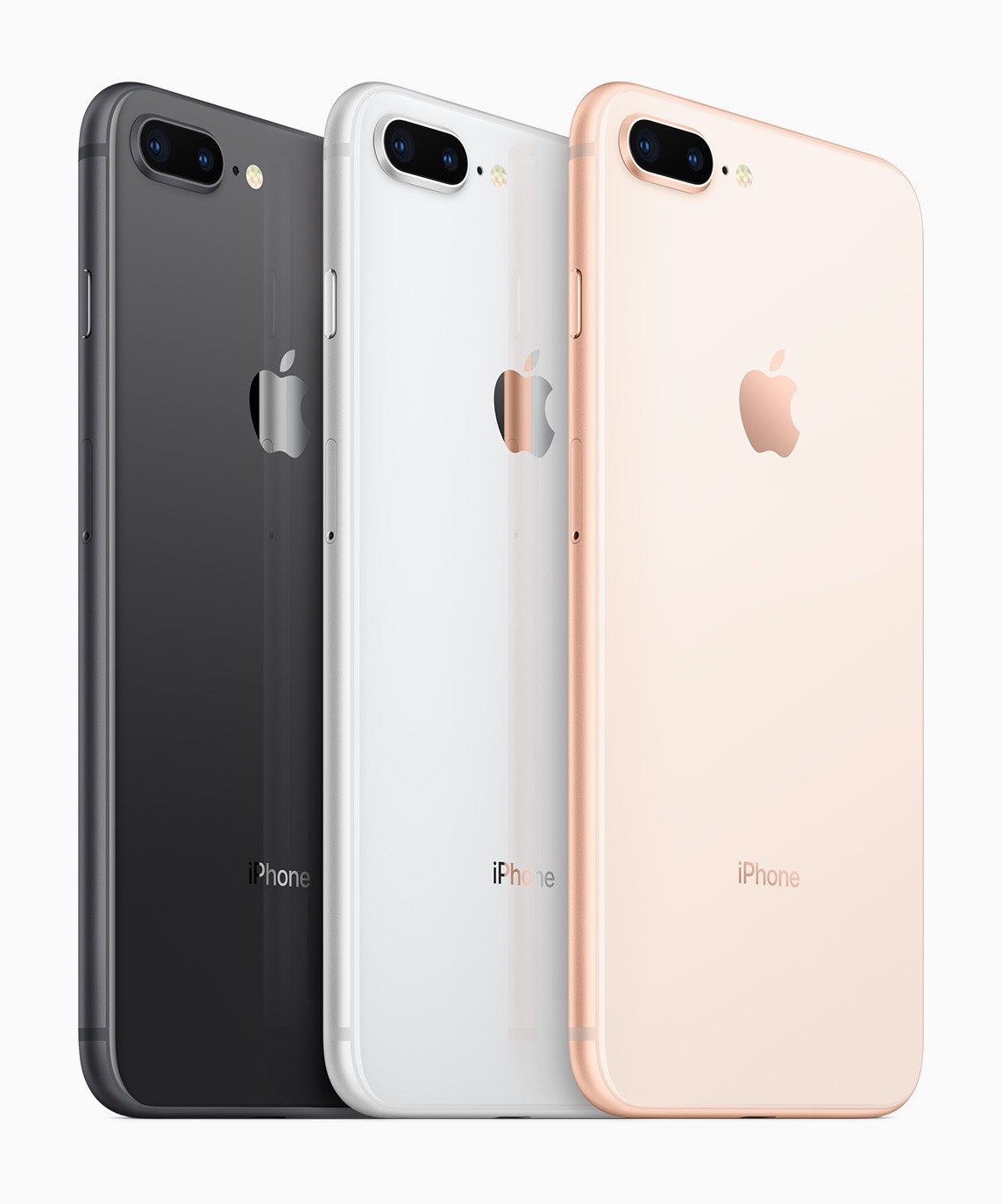
iPhone 8 / 8 Plus – 22.09.2017
- Das Gehäuse des iPhone 8 (Plus) bestand aus Glas und Aluminium
- Sogenanntes True-Tone-Display, das die Farben anhand aktueller Lichtverhältnisse anpasst
- Neuer Prozessor (A11-Bionic-SoC)
- Alle Farbkombinationen unterstützten zum ersten Mal Wireless Charging (Qi-Ladegeräte)
- Die Farbe Rot („Product Red“) wurde erstmals am 13. April 2018 eingeführt
iPhone X – 03.11.2017
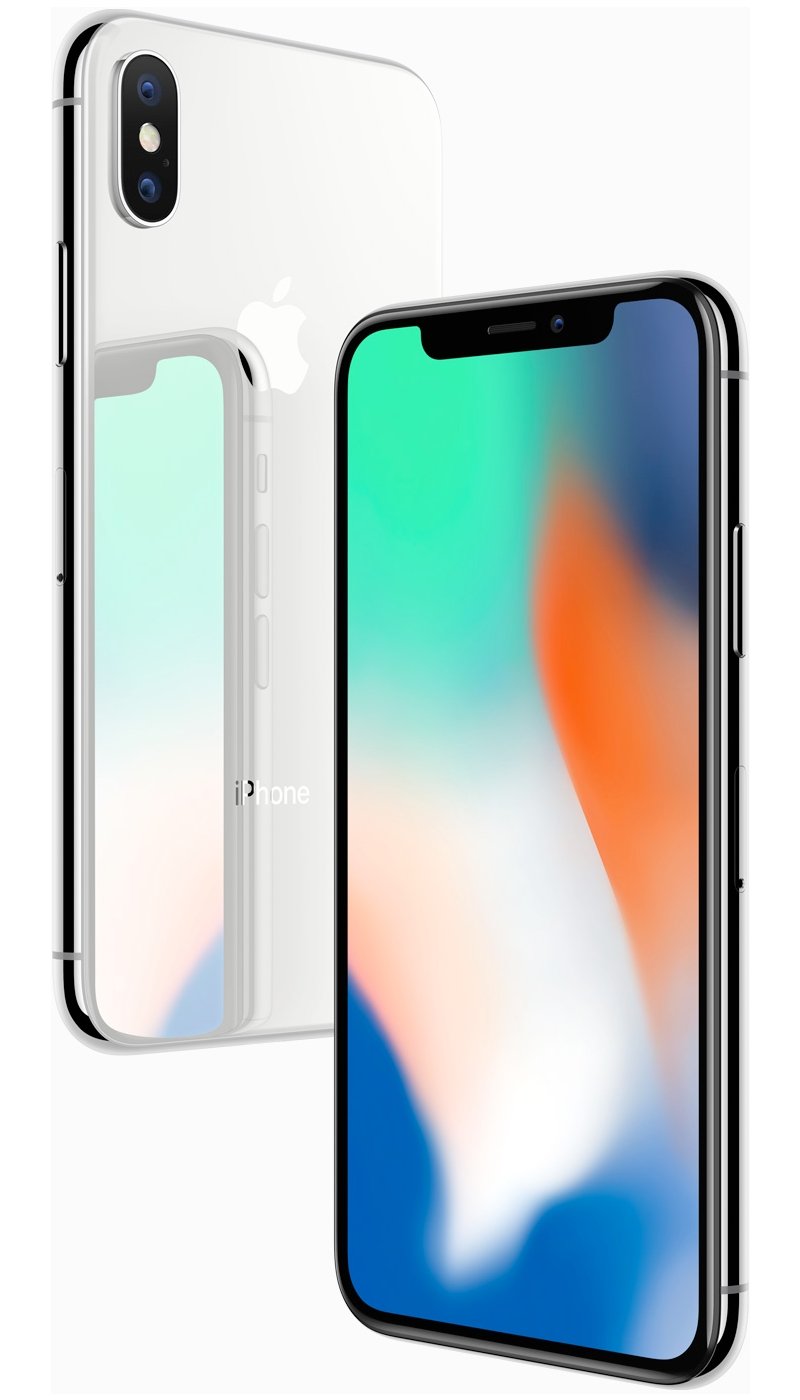
- Das Gehäuse des iPhone X bestand aus Edelstahl und Glas
- „Super Retina HD-Display“ mit abgerundeten Ecken
- Nahezu randloses Display an der Vorderseite, aber mit Notch am oberen Bildschirmrand
- Neue Funktion „Face-ID“, die das Smartphone per Gesichtserkennung entsperrt
- Emojis und Memojis waren durch „Face-ID“ möglich
- Kein Homebutton mehr, stattdessen eine Gestensteuerung
- Gleicher Prozessor wie beim iPhone 8 / 8 Plus
- 5 voreingestellte Effekte für Porträtaufnahmen (Haupt- und Frontkamera)
iPhone XS / iPhone XS Max – 21.09.2018
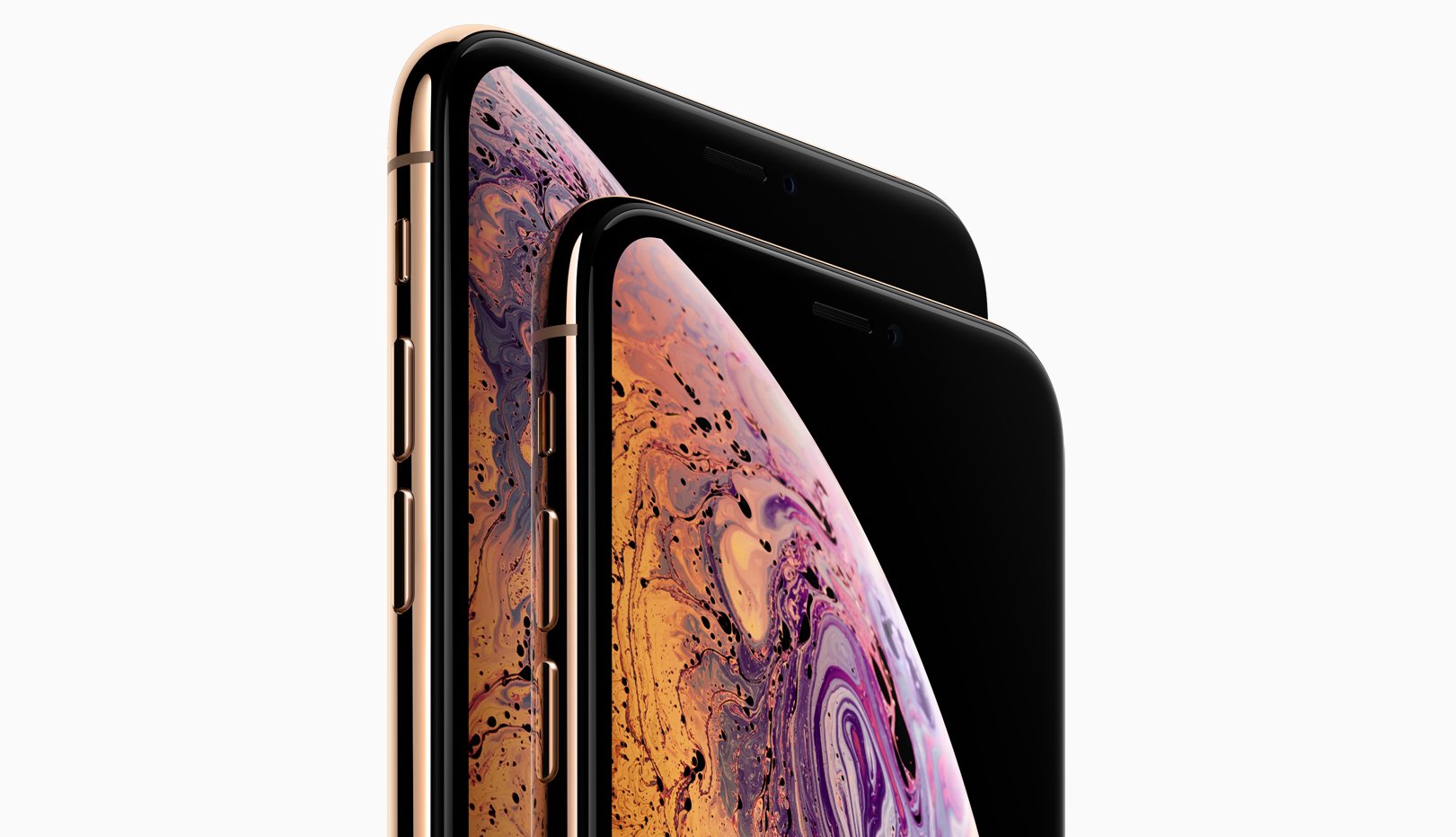
- Im iPhone XS (Max) war ein neuer Prozessor (Apple A12 Bionic)
- OLED-Displays: 5,8-Zoll beim iPhone XS, 6,5-Zoll beim iPhone XS Max
- Beide Geräte unterstützten Dual-SIM (Nano- und eSIM)
iPhone XR – 26.10.2018
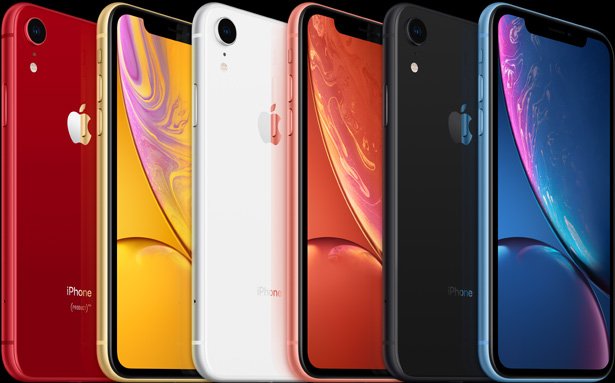
- Das iPhone XR hatte ein 6,1-Zoll-LCD-Display (zwischen iPhone XS und iPhone XS Max)
- Knappe HD-Auflösung
- 1 GB weniger RAM als XS und XS Max
- Nur eine Kameralinse auf der Rückseite
iPhone 11 Pro / iPhone 11 Pro Max – 20.09.2019
- Das iPhone 11 Pro (Max) hatte ein mattiertes Glas auf der Rückseite
- 5,8-Zoll-Display beim iPhone 11 Pro
- 6,5-Zoll-Display beim iPhone 11 Pro Max
- Mit 12-Megapixel-Hauptkamera, -Tele- und Ultra-Weitwinkelkamera
- Neuer Nachtmodus
- Anordnung der Kamera auf der Rückseite erinnert an einen Fidget-Spinner
- Neuer Prozessor (A13 Bionic)
- Kein 3D-Touch mehr

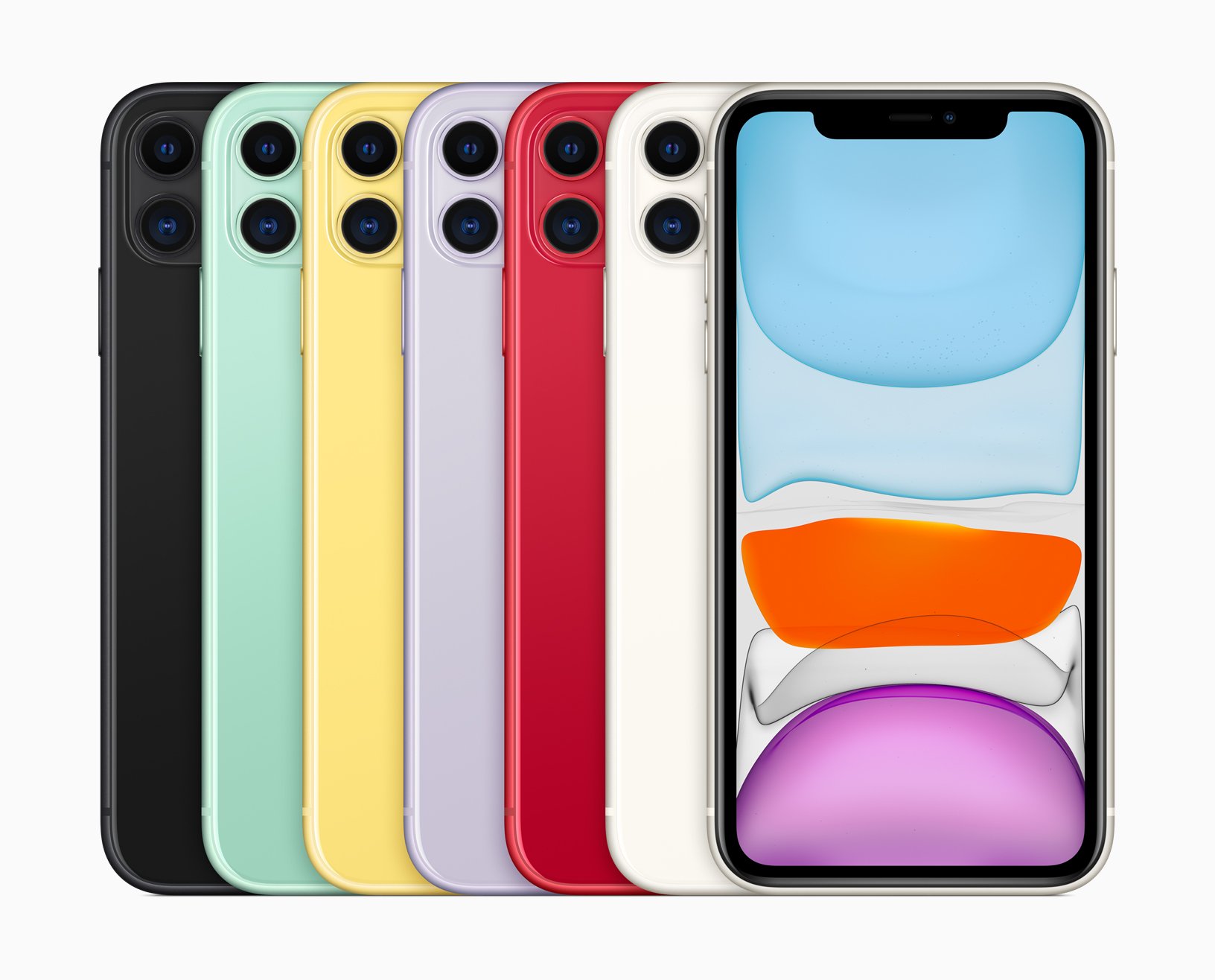
iPhone 11 – 20.09.2019
- Das iPhone 11 war in 6 Farben erhältlich (Weiß, Lila, Grün, Gelb, Schwarz und Rot)
- 6,1-Zoll-Display
- Ähnliches Design wie Vorgänger
- Zwei Kameras auf der Rückseite mit je 12 Megapixel
- Kein mattes Design im Gegensatz zum 11 Pro / 11 Pro Max
- Kein Tele-Zoom
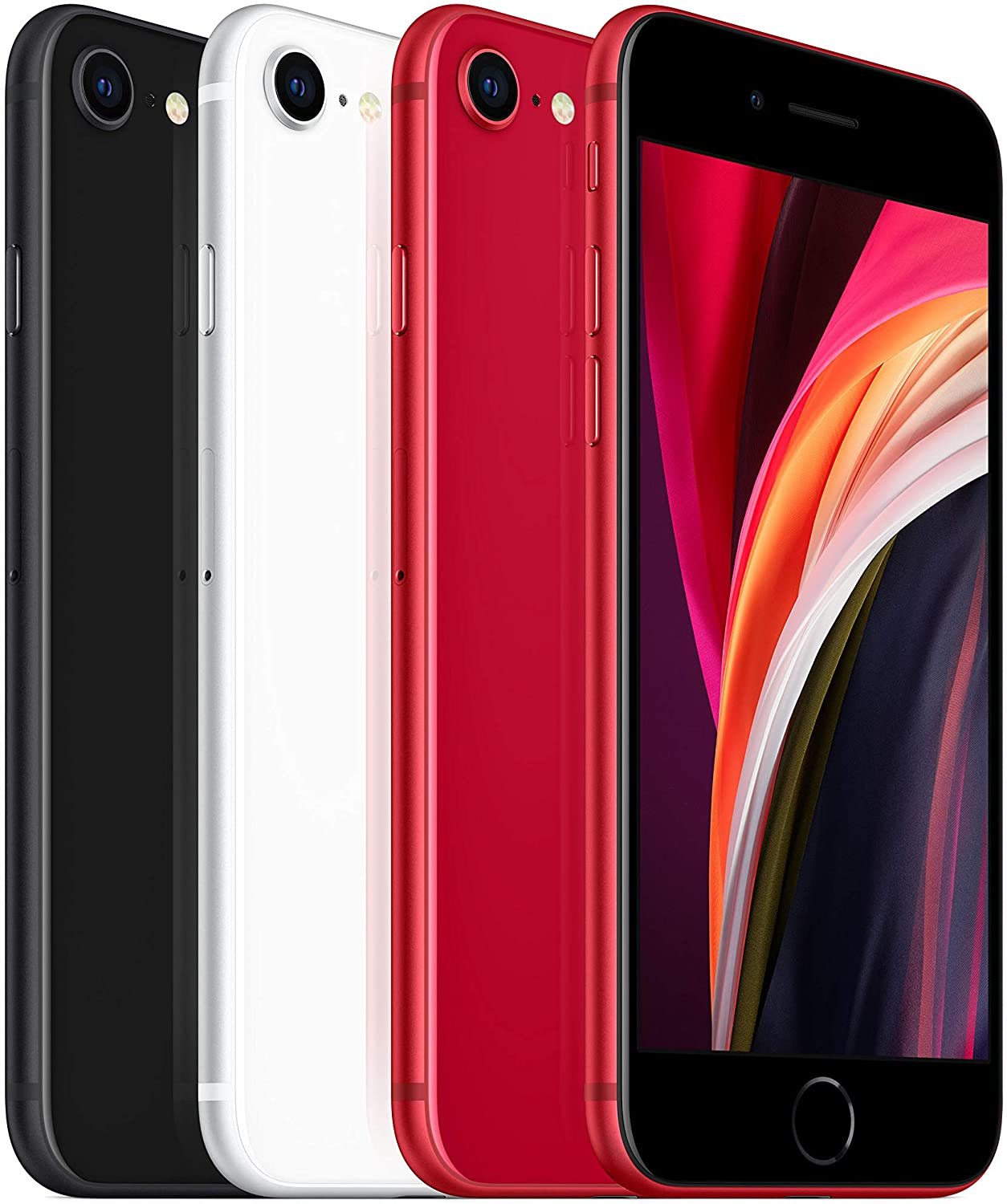
iPhone SE (2. Gen.) – 24.04.2020
- Das iPhone SE (2020) orientierte sich mit dem 4,7-Zoll-LCD-Display an der Größe des iPhone SE aus 2016
- Das Gehäuse bestand aus Aluminium und Glas
- Es gibt einen physischen Homebutton
- Die Kamera auf der Rückseite hat nur eine Linse
- Kein Kopfhöreranschluss
- Als Prozessor ist der „A13 Bionic“ mit 3 GB RAM verbaut
- Außerdem ist Stereo-Sound im Vergleich zum 2016er Modell zu hören
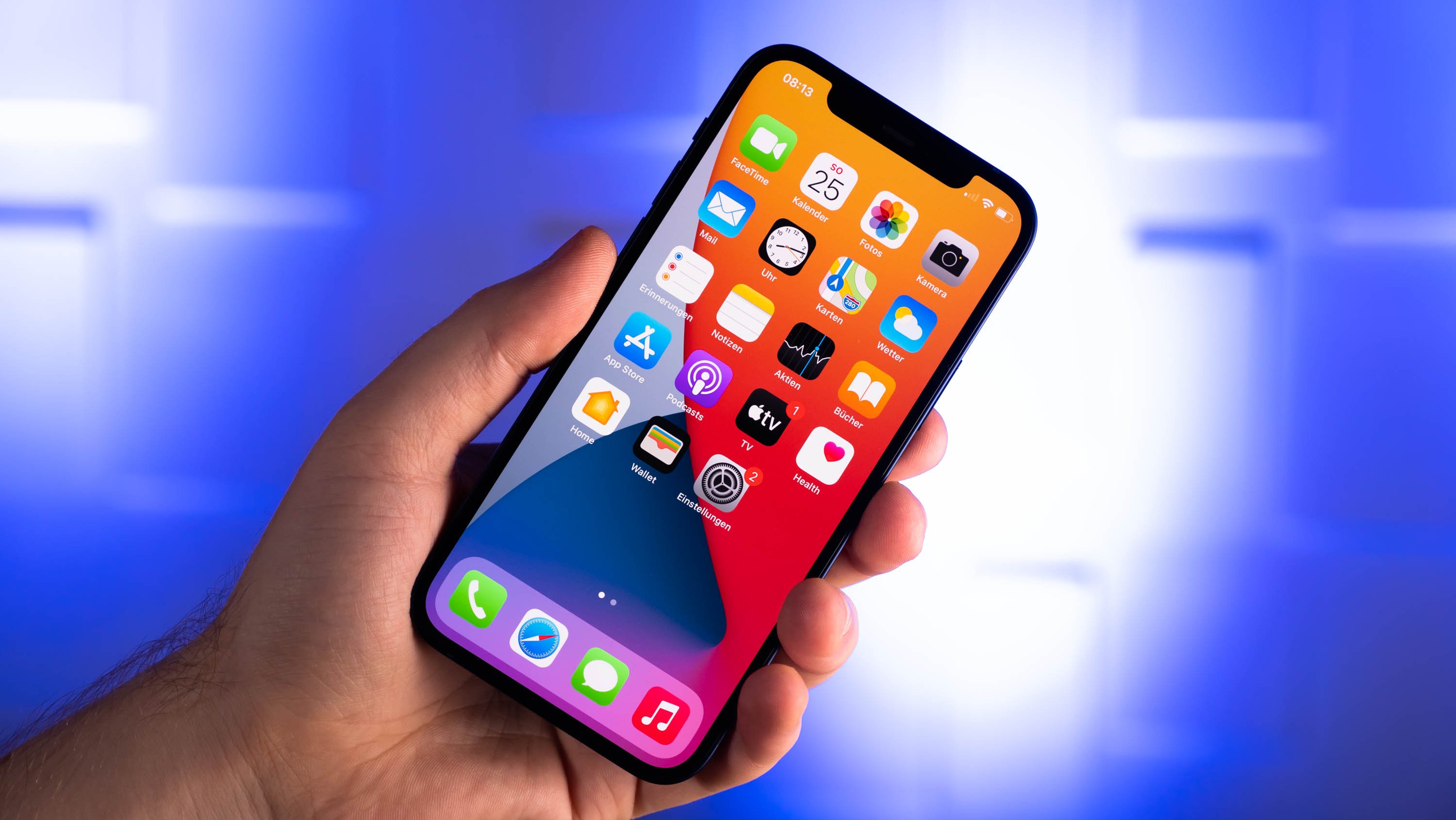
iPhone 12 – 23.10.2020
Neben dem iPhone 12 gibt es noch die Varianten: iPhone 12 Mini, iPhone 12 Pro und iPhone 12 Pro Max.
- Die iPhone-Modelle unterscheiden sich vor allem in der Größe, dem Display und der Kamera.
- Der Prozessor: Apple A14 Bionic (6-Kern-CPU, 4-Kern-GPU, 5-nm-Verfahren)
- 5G wird unterstützt.
- Je nach Modell hat das Display eine Auflösung von 2.340 x 1.080 Pixel bis zu 2.778 x 1.284 Pixel.
- Der interne Speicher reicht je nach Modell von 64 bis 512 GB.
- Der Arbeitsspeicher ist je nach Modell 4 bis 6 GB groß.
- Die Kameras haben 12,2 Megapixel.
iPhone 13 – 24.09.2021
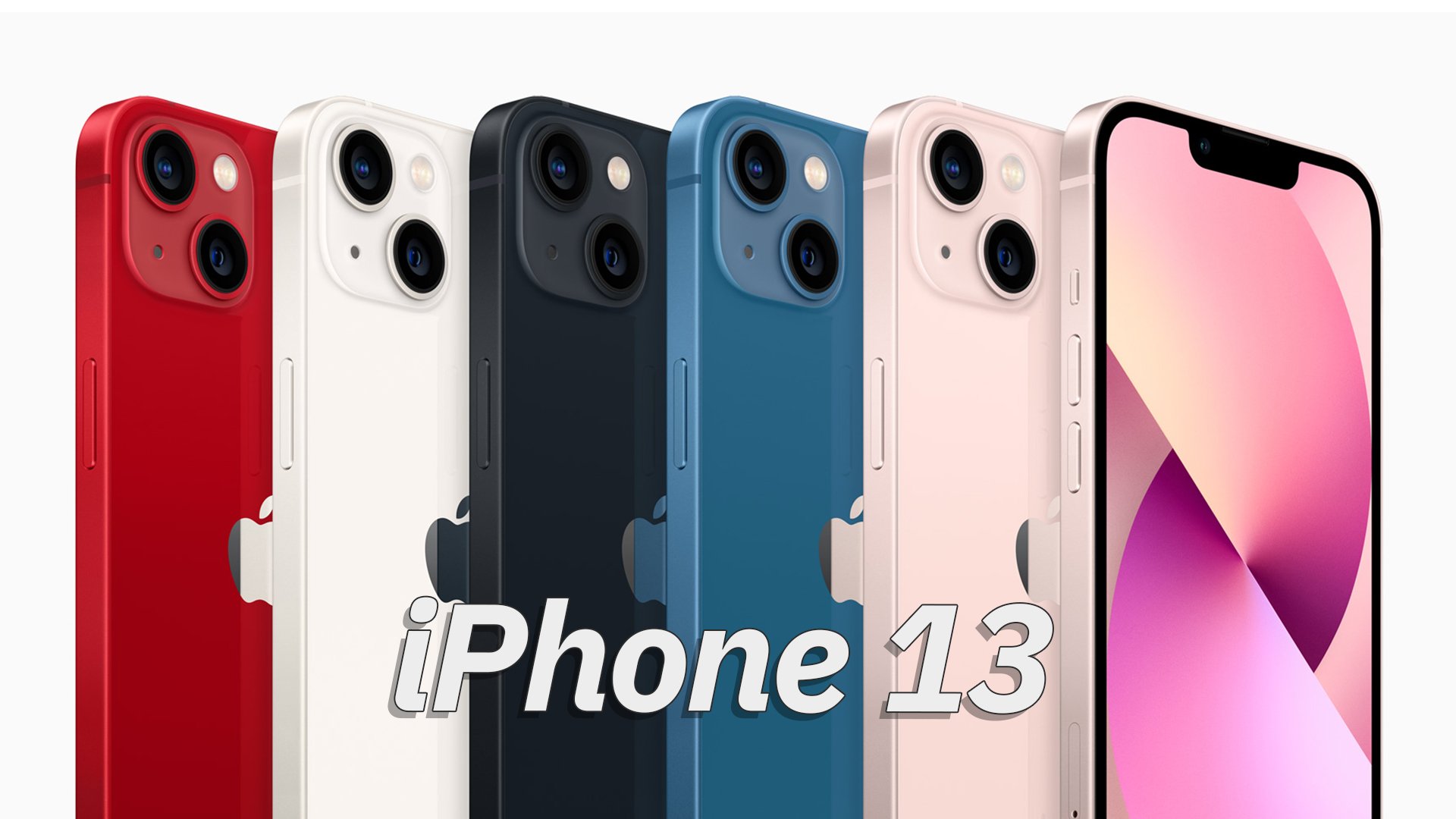
Die vier iPhone-13-Modelle lauten „iPhone 13 mini“, „iPhone 13“, „iPhone 13 Pro“, „iPhone 13 Pro Max“.
- Primäres Erkennungsmerkmal ist immer noch die Notch an der Vorderseite.
- Die iPhone-Modelle unterscheiden sich vor allem in der Display-Größe und der Akkudauer.
- Das „iPhone 13 mini“ und „iPhone 13“ haben eine Bildwiederholrate von nur 60 Hz, während die anderen beiden Modelle 120 Hz haben für deutlich flüssigere Animationen.
- Der Prozessor: Apple A15 Bionic (6-Kern-CPU, 4-Kern-GPU, 5-nm-Verfahren)
- 5G wird unterstützt.
- Je nach Modell hat das Display eine Auflösung von 2.340 × 1.080 Pixel bis zu 2.778 × 1.284 Pixel.
- Der interne Speicher reicht je nach Modell von 128 GB bis 1 TB.
- Der Arbeitsspeicher ist je nach Modell 4 bis 6 GB groß.
- Die Kameras haben 12 Megapixel – also keine Änderung, zumindest was die Megapixel-Anzahl angeht.
- Die Dual-Kameras sind auf der Rückseite diagonal statt untereinander angeordnet, damit es sich von anderen iPhone-Modellen unterscheidet.
- Optisch sieht das iPhone 13 zwar gut aus, ist durch die harten Kanten aber nicht so angenehm in der Hand zu halten.
- Als Farben sind erhältlich: Rot, Weiß, Dunkelblau, Blau und Rosa.
- Als Betriebssystem wird iOS 15 verwendet.
iPhone 14 – 16.09.2022
Die vier iPhone-14-Modelle lauten „iPhone 14“, „iPhone 14 Plus“, „iPhone 14 Pro“ und „iPhone 14 Pro Max“.
- Primäres Erkennungsmerkmal ist ab den Modellen „iPhone 14 Pro“ und „Pro Max“ nicht mehr die Notch, sondern das sogenannte „Dynamic Island“.
- Die iPhone-Modelle haben wie gewohnt unterschiedliche Display-Größen und Akkudauer.
- Das „iPhone 14“ und das „iPhone 14 Plus“ haben immer noch nur ein 60-Hz-Display. Die beiden Pro-Modelle liefern 120 Hertz mit flüssigeren Animationen.
- Der Prozessor: Im „iPhone 14“ und „iPhone 14 Plus“ ist der A15 Bionic (6-Kern-CPU, 4-Kern-GPU, 5-nm-Verfahren) verbaut, in den Pro-Modellen der A16 Bionic (6-Kern-CPU, 5-Kern-GPU, 5-nm-Verfahren).
- 5G wird unterstützt.
- Je nach Modell hat das Display eine Auflösung von 2.532 × 1.170 Pixel bis zu 2.796 × 1.290 Pixel.
- Der interne Speicher reicht je nach Modell von 128 GB bis 1 TB.
- Der Arbeitsspeicher ist bei allen Modellen 6 GB groß.
- Kameras: Im „iPhone 14“ und „iPhone 14 Plus“ ist eine 12-MP-Kamera verbaut, in den Pro-Modellen eine 48-MP-Kamera.
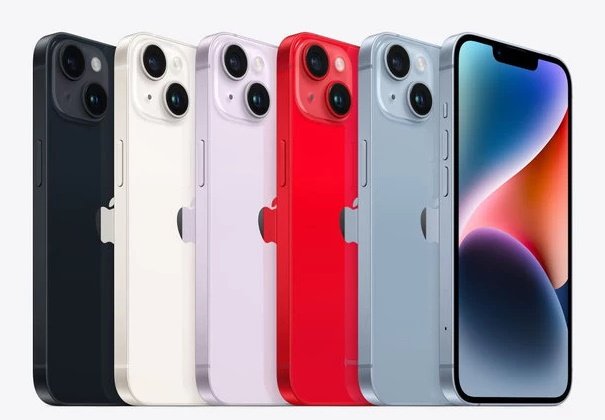
- Die Dual-Kameras sind auf der Rückseite ähnlich wie beim iPhone 13 angeordnet. Das iPhone 14 ist also auf den ersten Blick nicht vom vorherigen Modell zu unterscheiden.
- Als Farben sind erhältlich: Rot, Weiß, Schwarz, Hell-Violett und Hell-Blau.
- Als Betriebssystem wird iOS 16 verwendet.
iPhone 15 – 12.09.2023
Die vier iPhone-15-Modelle lauten „iPhone 15“, „iPhone 15 Plus“, „iPhone 15 Pro“ und „iPhone 15 Pro Max“.
- Bei allen Modellen sieht man nun das „Dynamic Island“ als „neue Notch“ und primäres Erkennungsmerkmal.
- Die iPhone-Modelle haben unterschiedliche Display-Größen und eine unterschiedliche Akkudauer.
- Das Display des „iPhone 15“ und des „iPhone 15 Plus“ arbeiten immer noch mit nur 60 Hz. Das Pro und Pro Max zeigen durch 120 Hertz deutlich flüssigere und zeitgemäßere Animationen an.
- Der Prozessor: Im „iPhone 15“ und „iPhone 15 Plus“ ist der A16 Bionic (6-Kern-CPU, 5-Kern-GPU, zusätzlich die „Neural-Engine“ mit 16 Kernen) verbaut, in den Pro-Modellen der A17 Pro (6-Kern-CPU, 6-Kern-GPU, 16-Kern-Neural-Engine).
- 5G wird unterstützt.
- Die Display-Auflösungen und -größen:
- iPhone 15: 2556 × 1179 Pixel (6,1 Zoll)
- iPhone 15 Plus: 2796 × 1290 Pixel (6,8 Zoll)
- iPhone 15 Pro: 2.556 × 1.179 Pixel (6,1 Zoll)
- iPhone 15 Pro Max: 2.796 × 1.290 Pixel (6,7 Zoll)
- Der interne Speicher reicht je nach Modell von 128 GB bis 1 TB.
- Der Arbeitsspeicher
- iPhone 15 und iPhone 15 Plus: 6 GB.
- iPhone 15 Pro und iPhone 15 Pro Max: 8 GB.
- Kameras: Bei allen Modellen ist eine 48-MP-Kamera eingebaut.
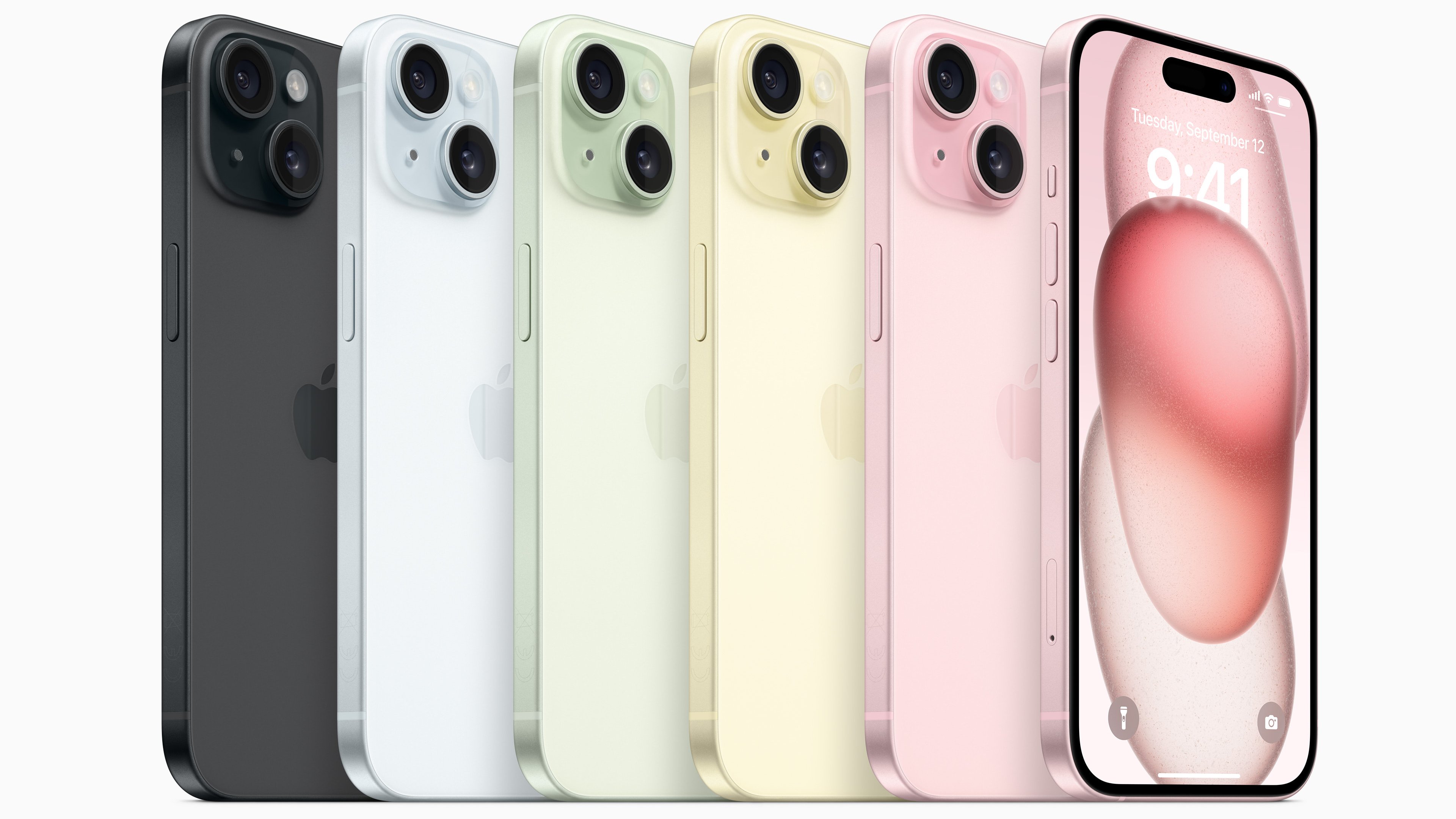
- Die Dual-Kameras sind auf der Rückseite ähnlich wie beim iPhone 13 und 14 angeordnet. Das iPhone 13, 14 und 15 ist also nicht auf den ersten Blick zu unterscheiden. Es sei denn, man kennt die Farben der jeweiligen Generation.
- Als Farben sind erhältlich:
- iPhone 15 und iPhone 15 Plus: Pink, Gelb, Grün, Blau und Schwarz.
- iPhone 15 Pro und iPhone 15 Pro Max: Dunkelgrau („Titan Schwarz“), Hellgrau („Titan Natur“), Weiß („Titan Weiß“) und Dunkelblau („Titan Blau“).
- Als Betriebssystem wird iOS 17.02 verwendet.
Hat dir der Beitrag gefallen? Folge uns auf WhatsApp und Google News und verpasse keine Neuigkeit rund um Technik, Games und Entertainment.
